HOW TO FAVOURITE PHOTOS

Visit your teams photo gallery at the website that was provided to your team.
If you don’t have that information please email steve@brooksphoto.ca.
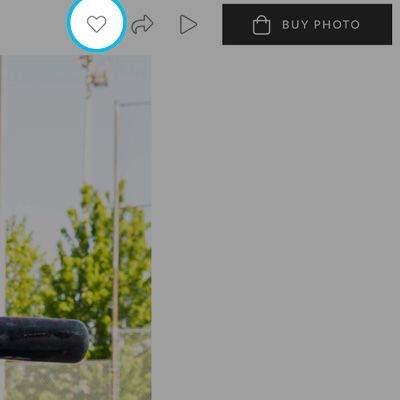
Once you find your first photo, simply tap the heart icon at the top right of the screen.
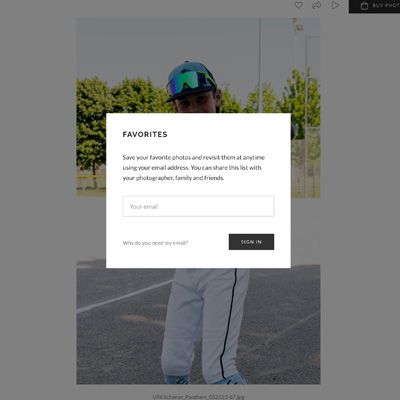
You will be asked for your email address. It is used to identify your athlete only. We will not spam or sell your email address.
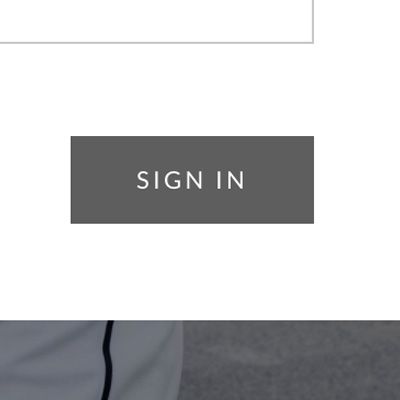
Click sign in.
Your photo has now been added to the favourites. Repeat these steps to select your second photo
HOW TO ORDER
To purchase photos select the BUY PHOTO icon.
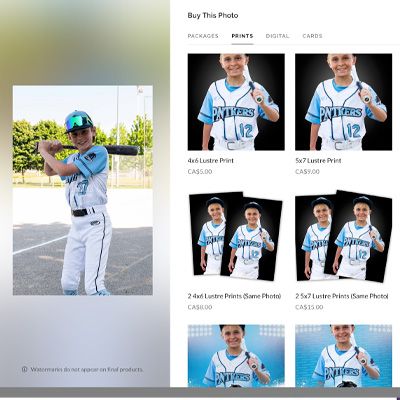
After clicking the BUY PHOTO icon, the product window will appear. You can use the navigation at the top of this window to view all of the available products.
Add the quantity and Click ‘ADD TO CART’ to purchase.

Click VIEW CART to complete your purchase - Thank you.